

This one-day course is designed to equip participants with the knowledge and practical skills to create professional, engaging, and impactful presentations using Microsoft PowerPoint. Participants will explore both fundamental and advanced PowerPoint features, including slide design, multimedia integration, animations, SmartArt, charts, and presentation delivery techniques. The course emphasizes best practices for visual communication, enabling participants to produce polished presentations that effectively convey information to diverse audiences.
 Loading
MASTERING POWERPOINT: FROM BASIC TO ADVANCES FEATURES
ICT
MASTERING POWERPOINT: FROM BASIC TO ADVANCES FEATURES
ICT
Register now!
for only
RM 229 / Person!
15 seat(s) available!
Registration closing date : 31/07/2026
for only
RM 229 / Person!
Registration closing date : 31/07/2026
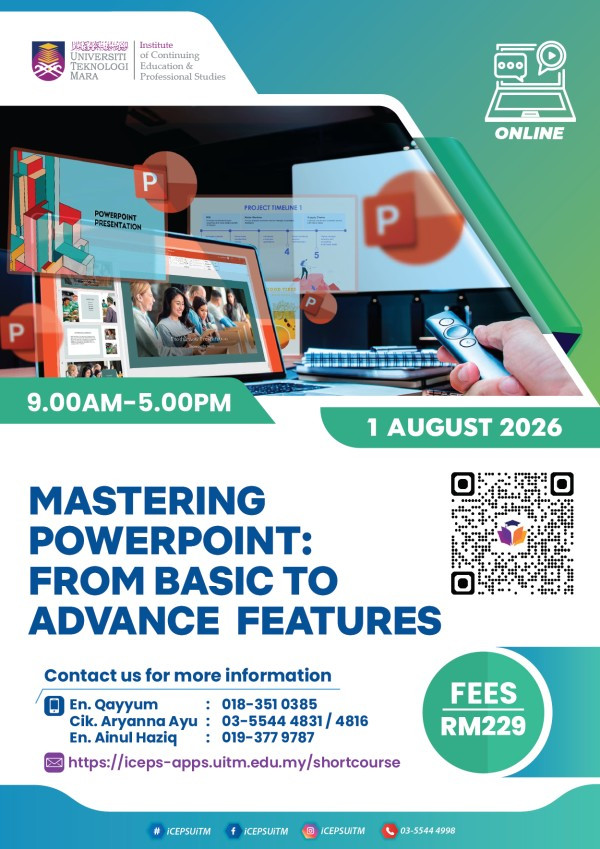
| 01/08/2026 Tentative is available below. | |
| Online Course |
For any inquries, please contact :-
CIK ARYANNA AYU BINTI ALRIANTO
| 03-55444831 | |
| aryanna@uitm.edu.my |
Description
Objective
Upon completion of this course, participants will be able to:
- Understand the essential features and interface of Microsoft PowerPoint.
- Design visually appealing and well-structured presentations using professional design principles.
- Apply advanced PowerPoint features, including SmartArt, charts, multimedia, animations, and transitions.
- Enhance presentation effectiveness with templates, Slide Master, and collaboration tools.
- Deliver engaging presentations using presenter tools and presentation best practices.
Who Should Attend?
Administrative staff, executives, lecturers, educators, researchers, students, trainers, project managers, and professionals who use Microsoft PowerPoint to prepare presentations for meetings, teaching, training, conferences, or business communication.
Outline
Module 1: Getting Started with Microsoft PowerPoint
- Introduction to Microsoft PowerPoint
- Understanding the PowerPoint interface
- Creating and managing presentations
- Working with slides, layouts, and themes
- Best practices for presentation planning
Module 2: Designing Professional Presentations
- Applying design principles for effective presentations
- Working with themes and templates
- Formatting text, shapes, and objects
- Using icons, SmartArt, and diagrams
- Inserting and formatting tables and charts
Module 3: Advanced PowerPoint Features
- Using Slide Master for consistent presentation design
- Working with images, audio, and video
- Hyperlinks and action buttons
- Animations and transition effects
- Creating interactive presentations
Module 4: Collaboration and Productivity Tools
- Presenter View and presentation setup
- Recording presentations and narration
- Collaboration and commenting features
- Exporting presentations to PDF and video
- Tips for improving workflow and productivity
Module 5: Presentation Delivery and Best Practices
- Effective presentation techniques
- Managing audience engagement
- Common presentation mistakes and how to avoid them
- Presentation checklist
- Using AI-powered features (e.g., Microsoft Copilot and PowerPoint Designer) to enhance presentation creation
Hands-on Activities
- Creating a professional presentation from scratch
- Applying Slide Master and advanced formatting
- Designing interactive slides with multimedia and animations
- Delivering a short presentation with peer feedback
Tentative
|
Time |
Session |
|
9:00 AM – 10:30 AM |
Module 1: Getting Started with Microsoft PowerPoint |
|
10:30 AM – 10:45 AM |
Morning Break |
|
10:45 AM – 12:30 PM |
Module 2: Designing Professional Presentations |
|
12:30 PM – 2:00 PM |
Lunch Break |
|
2:00 PM – 3:30 PM |
Module 3: Advanced PowerPoint Features |
|
3:30 PM – 3:45 PM |
Afternoon Break |
|
3:45 PM – 5:00 PM |
Modules 4 & 5: Collaboration Tools, Presentation Delivery, and Hands-on Activities |